Isekai Gemcraft
Cut and polish virtual gemstones with angles, index gears, depth stops, and real planar geometry.
Browser game
Opens at Penny Yu
About Isekai Gemcraft
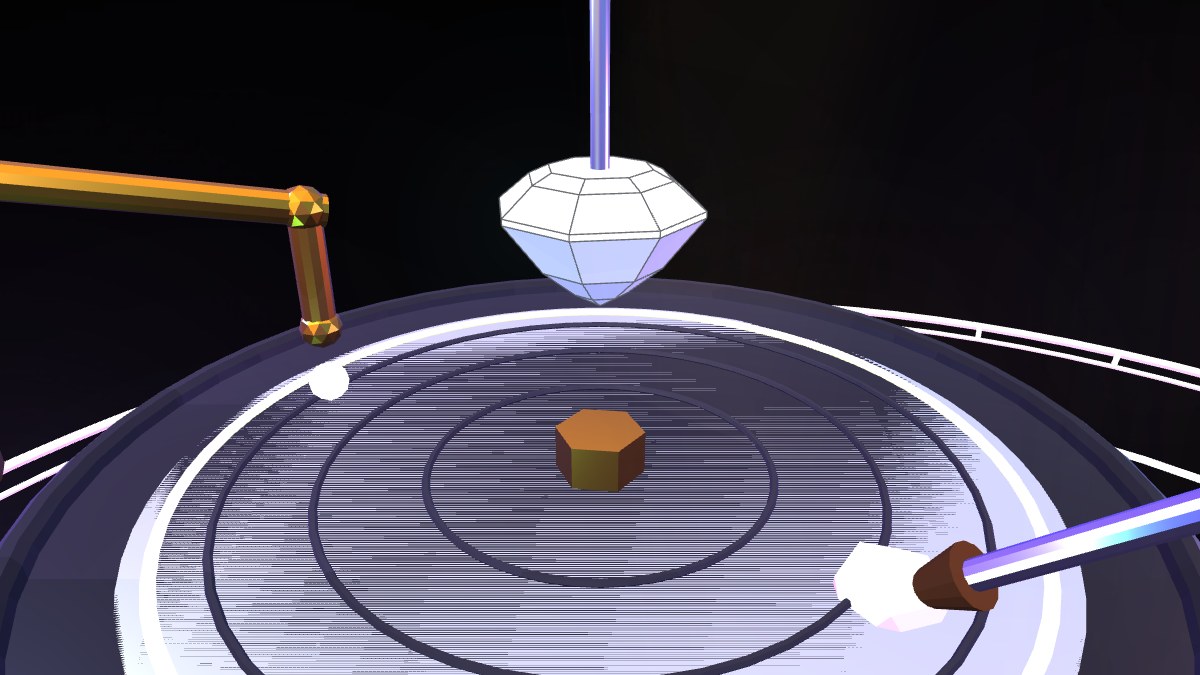
Isekai Gemcraft is Penny Yu's browser faceting simulator, presenting a magical workshop around mechanics drawn from a physical gemstone-cutting machine. Players choose a crystal, mount the rough stone, set a tilt angle between zero and ninety degrees, rotate it through a 96-tooth index gear, and press it against a grinding lap. Cutting uses real-time convex polytope clipping, so every resulting facet remains planar rather than being approximated with voxels or decorative textures.
Five guided designs range from a seventeen-facet tutorial stone to round brilliant, Asscher, Portuguese, and trillion cuts. Diagram steps specify the required angle, index, and depth, with compass rings and optional symmetric-array actions assisting repetitive facets. Free-cutting mode removes the guide for open experimentation. Players can change coarse, fine, and polishing laps, tint stones with solid or two-tone colors, adjust lighting, submit finished work for appraisal, and preserve stones in a daily collection with favorites and JSON import or export. The bilingual, touch-capable single-file Three.js project is released under GPL-3.0.
How to Play
Choose a rough stone and start with the Simple Sun tutorial if you are unfamiliar with faceting. Use the protractor control to set the tilt angle and the 96-position index gear to rotate the stone. Set the target depth, then press and hold the grinding control; the view is intentionally masked while material is removed. Release to inspect the new facet. A longer press cuts deeper until the depth stop reaches its target.
Follow each diagram's angle, index, and lap instructions, using the compass rings or symmetric-array action when several equivalent facets are required. Begin with a coarse lap, refine the surfaces with a fine lap, and finish with polish before submitting the gem for appraisal. Three rewind charges can undo early mistakes; after they are spent, later cuts remain permanent. Free-cutting mode removes diagram safeguards for custom shapes.
Key Features
- Real-time convex geometry produces genuinely planar gemstone facets
- Tilt, 96-tooth index gear, grinding time, and depth-stop controls
- Five guided cuts ranging from 16 to 97 designed facets
- Free-cutting mode, rewinds, multiple laps, tinting, and appraisal
- Bilingual desktop and mobile interface in a single HTML file
Source & Licence
- Author / Project
- Penny Yu
- Licence
- GPL-3.0
- Released
- 2026-07-05
ArcadeBloom is a directory. We introduce games and link to their creators. All rights belong to its author. Visit the official site to play.
More Simulation Games
BrowserQuest
A multiplayer top-down RPG that proved WebSockets could power an MMO.
simulationA Dark Room
A minimalist text adventure that hides an entire incremental empire.
simulation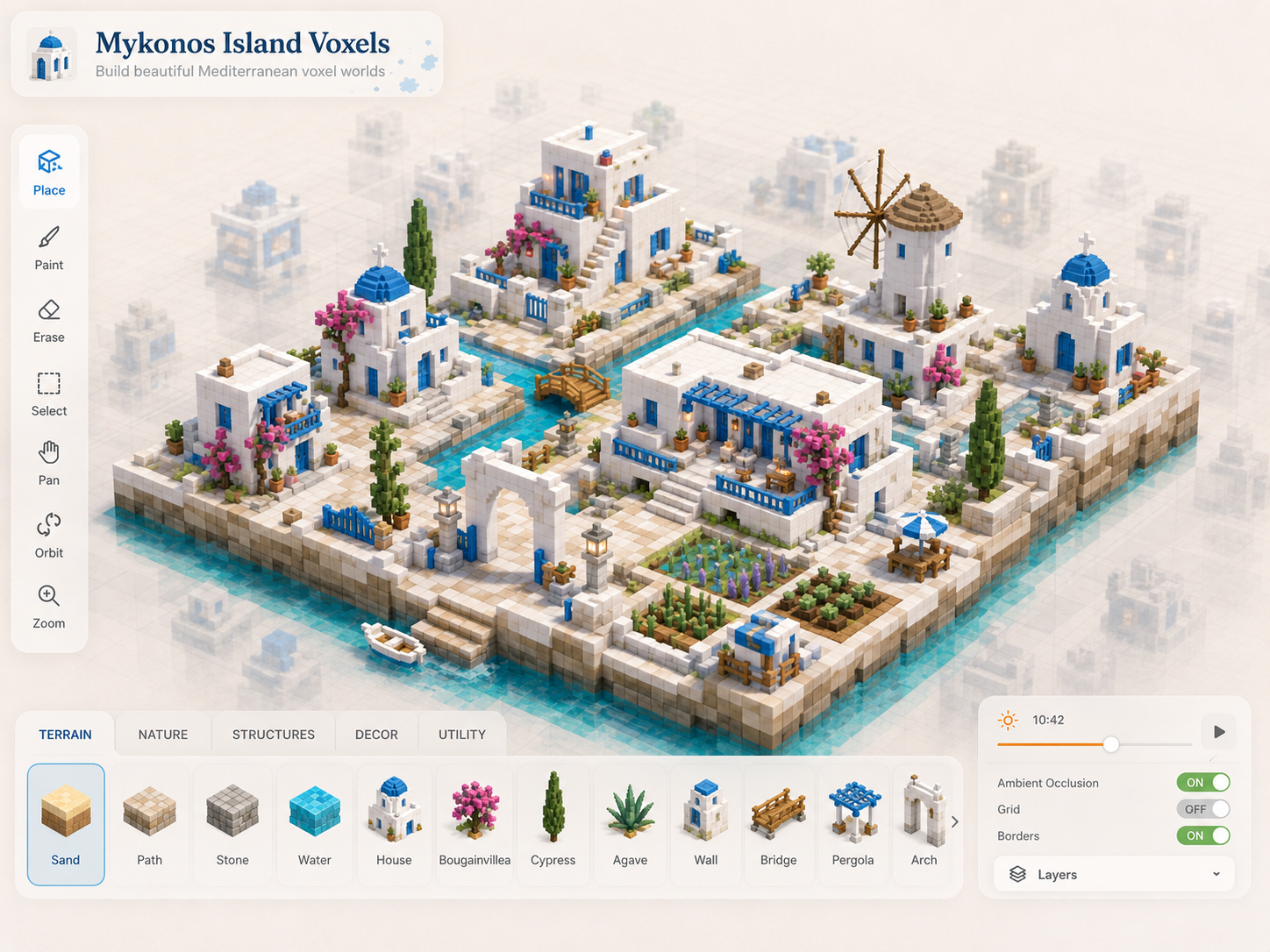
Mykonos Island Voxels
Arrange a sunlit Mediterranean village one isometric tile at a time.
simulation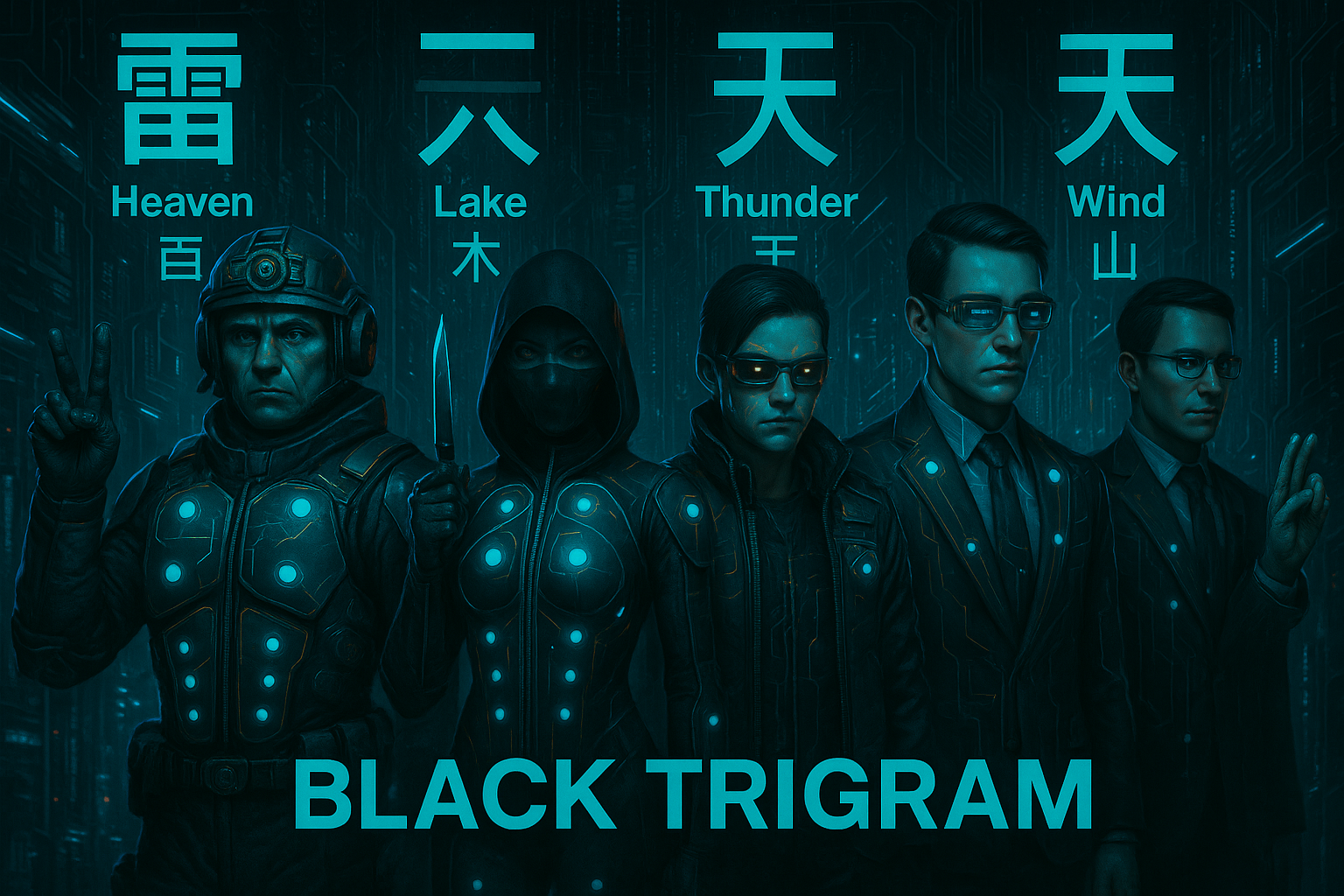
Black Trigram
Practice Korean martial arts through stances, anatomical targeting, and reactive combat.
simulationIsekai Gemcraft
Penny Yu